

Join your colleagues' Lyra Recurring account
When someone at your company already uses Lyra Recurring, share their account instead of starting your own.
When you are done, you are in the same Lyra Recurring account as your colleagues. You see their recurring activities, they see yours, and anyone can change any of them.
One Pipedrive company has one Lyra Recurring account, and an email address can be in only one account.
If you already created an account on the website
Creating an account gave you one of your own, so connecting your Pipedrive from it is refused: you see This address already has an account. Don't connect. Instead:
- Write to support@lyrarecurring.com from the email address you signed up with.
- Say that a colleague already uses Lyra Recurring, and name your company.
We'll help you join their account.
If you haven't created an account yet
-
Install Lyra Recurring from Pipedrive with your own Pipedrive login. See Install Lyra Recurring from Pipedrive.
-
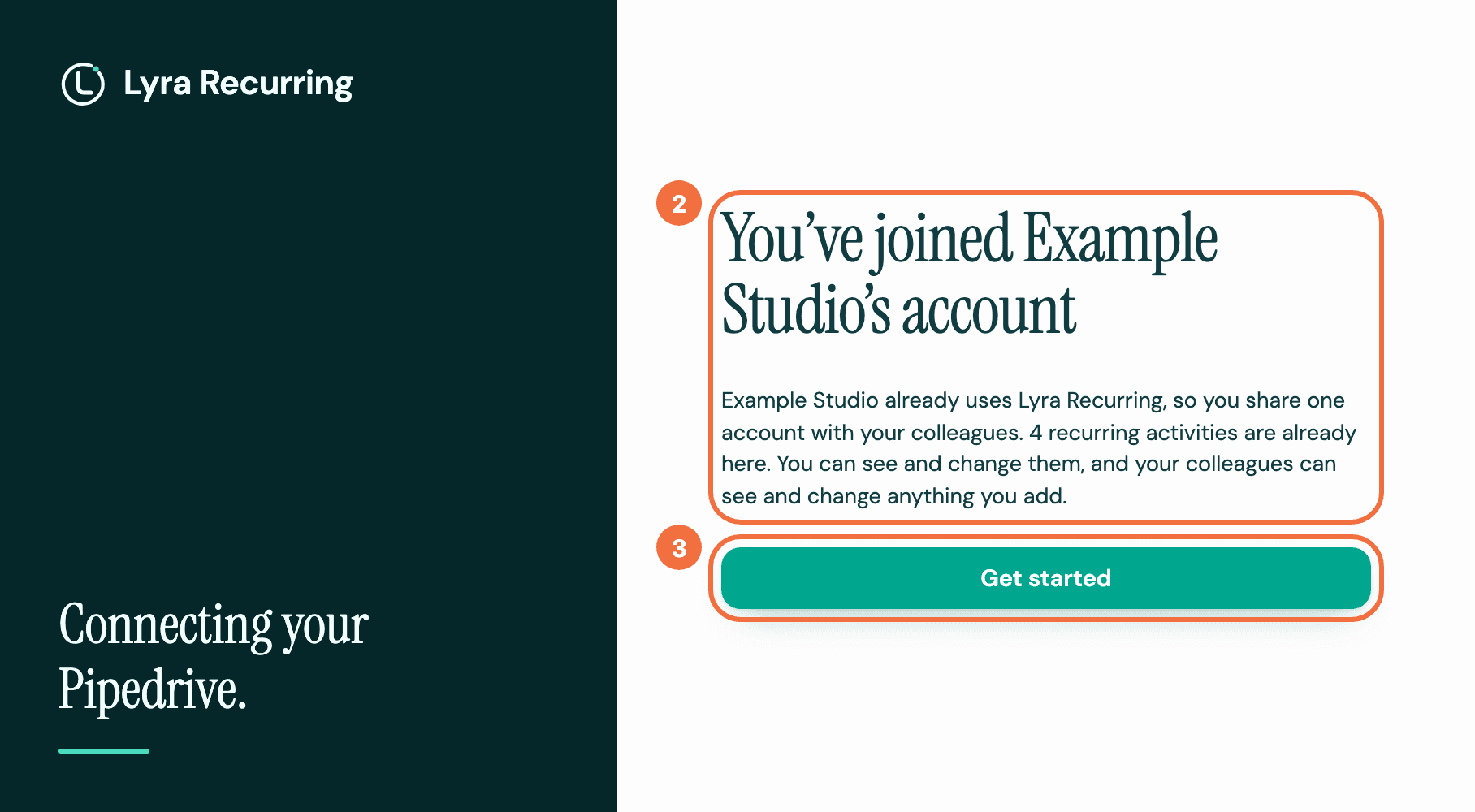
You arrive on You've joined your company's account. It says how many recurring activities are already there.
-
Select Get started. Getting started opens. What it marks Done is what you have done yourself, not your colleagues: see Choose how to add your first recurring activity.
Your connection now appears in Settings, under Who has connected.
If nobody's connection was working, joining reconnects it. Recurring activities start again, and any activity a schedule missed while it was disconnected is created. The screen tells you when this happens.
If it does not work
- You see This address already has an account after installing from Pipedrive. Your email address is already in a different Lyra Recurring account. Nothing was changed. Select Email support on that screen. See Connecting Pipedrive did not finish.
Install Lyra Recurring from Pipedrive
What happens when you approve Lyra Recurring in Pipedrive, and which screen you should see at the end.
Make an activity land at the right time in another time zone
Set a recurring activity's time in a client's or a colleague's time zone, so it shows in Pipedrive at the hour you meant.