

Install Lyra Recurring from Pipedrive
What happens when you approve Lyra Recurring in Pipedrive, and which screen you should see at the end.
When you are done, Lyra Recurring is connected with your own Pipedrive login, and you are signed in to your company's Lyra Recurring account. This is for an install you start in Pipedrive, and you don't need a Lyra Recurring account first. If you created your account on the Lyra Recurring website instead, follow Set up Lyra Recurring and connect Pipedrive.
- Open Lyra Recurring's listing on the Pipedrive Marketplace and start the install.
- Pipedrive shows what Lyra Recurring asks permission for, once. Select Allow and Install.
- You come back to Lyra Recurring. What you see depends on who you are:
| You see | What it means |
|---|---|
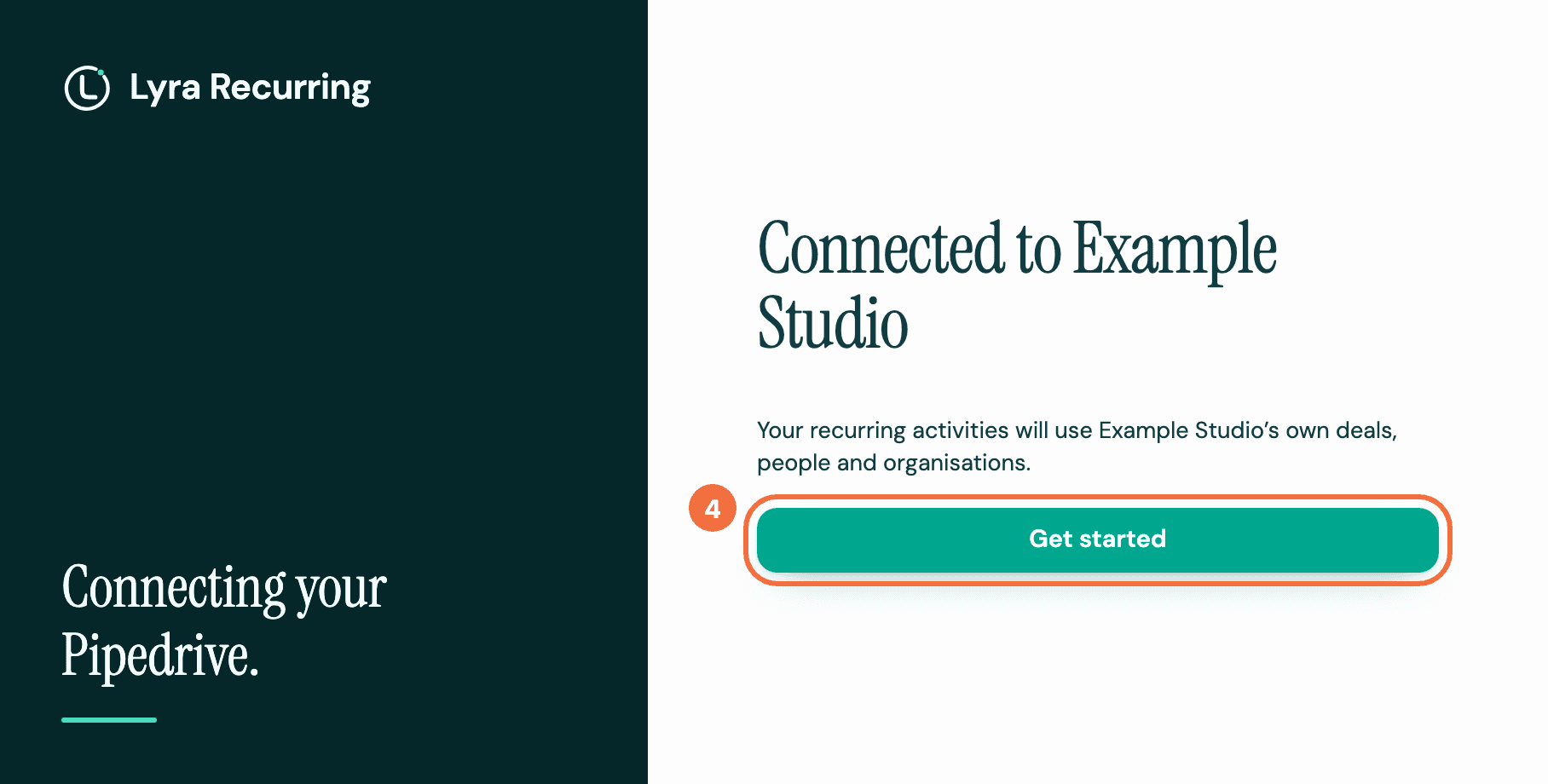
| Connected to your company | You are the first person from your Pipedrive company. Your account was created, named after the company. |
| You've joined your company's account | A colleague already uses Lyra Recurring. You now share their account and see the same recurring activities. See Join your colleagues' account. |
| Connect your company to Lyra | Your email address already has a Lyra Recurring account. Prove it is yours first: enter your Password and select Sign in and connect. If you never set a password, select Email me a sign-in link. |
-
Select Get started. Getting started opens, with the two ways to add recurring activities: see Choose how to add your first recurring activity. If you had connected before, the button reads Go to recurring activities instead.
Signing in later
An account created from Pipedrive has no password. To sign in, use Email me a sign-in link on the sign-in screen, or set a password with Forgot password?. See Sign in without a password, or reset it.
If you created your account with a password and connected with an email link, your password may have been removed. In the browser where you followed the link, the first Lyra Recurring screen you open after the install says This account no longer has a password, once: select Set a new password there, or Forgot password? on the sign-in screen. See Keep your password when you use an email link.
Everyone connects once
Each colleague approves Lyra Recurring with their own Pipedrive login, as Pipedrive apps work.
If it does not work
- You see We couldn't finish connecting or This address already has an account: see Connecting Pipedrive did not finish.
- You followed the sign-in link on another device. Go back to the first tab and select Continue.