

Create the next activity only when the last one is done
Choose whether a recurring activity follows the calendar, or waits until you mark the previous activity done in Pipedrive.
When you are done, your recurring activity either follows the calendar or waits for you, whichever suits the work.
- Open the form: New recurring activity, or Edit on an existing recurring activity.
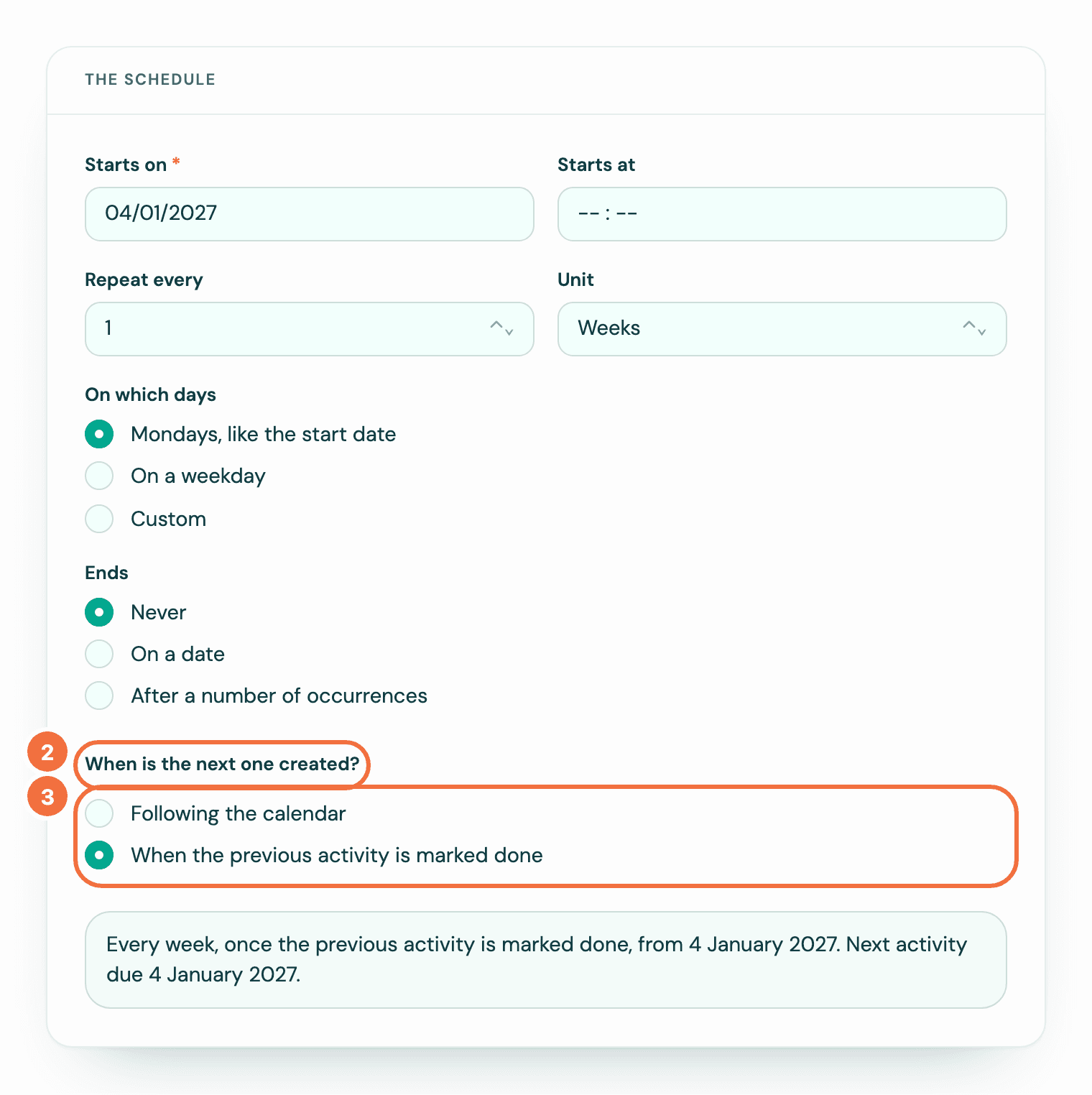
- Under The schedule, find When is the next one created?
- Choose one:
- Following the calendar: the next activity is created once the current one's date has passed, whether or not it was marked done. Marking it done early creates the next one straight away.
- When the previous activity is marked done: the next activity is created only after you mark the current one done in Pipedrive, usually within a few seconds. However late it is, you never have two open at once.
- Save.
With the second choice, the list of coming dates under the sentence has a heading that ends ", if each is marked done on time", for example Next 5, if each is marked done on time, with Each one is created when the one before it is marked done. under it. The dates are the schedule's own. See Check a recurring activity's dates before you save.
When is the next one due?
In both cases the next date comes from the schedule, not from the day you marked it done. A weekly call due on the 10th that you finish on the 14th still has its next one due on the 17th. A yearly one keeps its date the same way. A weekly one on Mon and Thu alternates between them: mark Monday's done, and the next is due on Thursday. Mark Thursday's done the following Tuesday, and the next is due on that Monday, already past.
Which to choose
Follow the calendar for things that must happen on the date, such as a monthly report. Wait for completion for things that should not pile up, such as a follow-up call you may postpone.
If it does not work
- You marked it done in Pipedrive and nothing new appeared. Lyra Recurring may not be hearing about changes from Pipedrive. See I marked an activity done and the next one did not appear.
Turn off, change or delete a deal rule
Stop a deal rule or change it, see which deals it gave a recurring activity, and know what happens to the ones it already made.
A deal did not get its recurring activity
Why a deal won or moved into a stage did not get the recurring activity its deal rule should have added, and how to fix each cause.