

Add a recurring activity without leaving Pipedrive
Create a recurring activity from the Recurring activities panel on a deal, person or organization, with that record already linked.
When you are done, the record you were looking at has a new recurring activity, and it shows in the panel.
-
In Pipedrive, open the deal, person or organization.
-
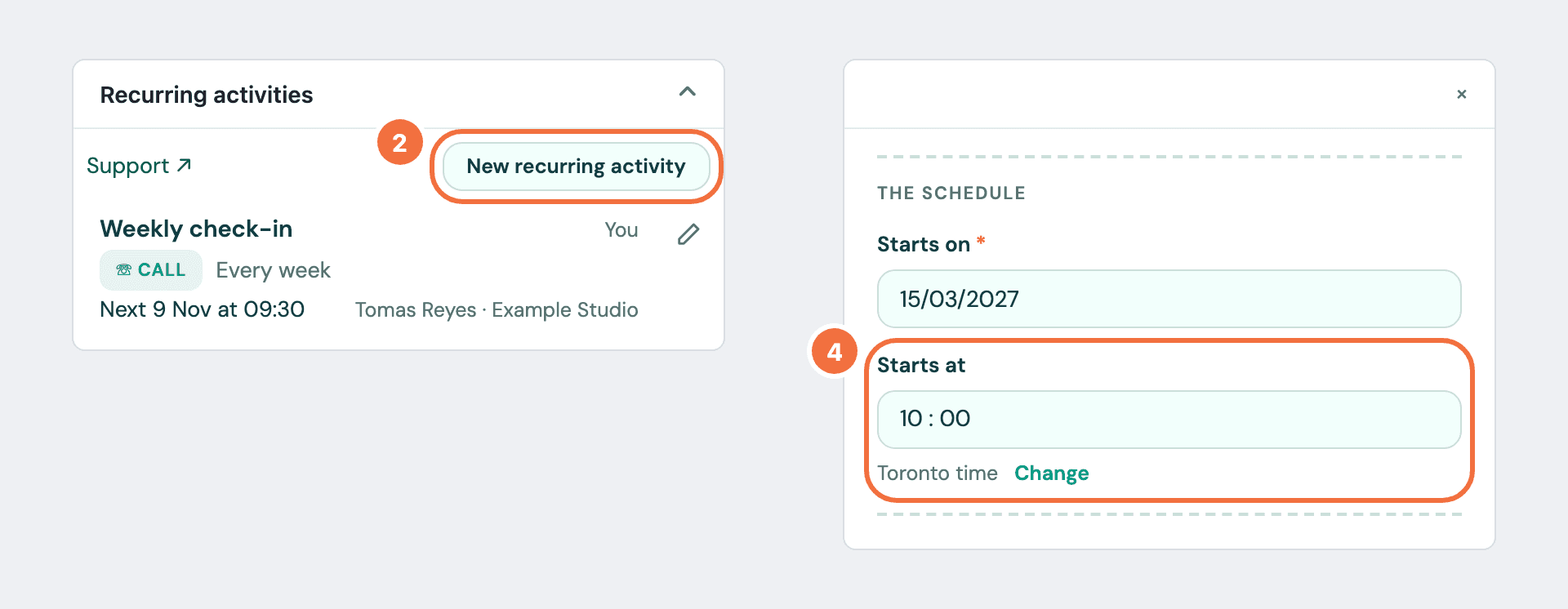
In the Recurring activities panel, select New recurring activity. It is above the list, or under the message that no recurring activities are linked to the record when there are none yet.
-
A window opens over Pipedrive with the usual form. The record you were on is already filled in, under Deal, Person or Organisation.
-
Enter a Subject, choose a Type, and set the schedule. A time in Starts at is in your time zone, shown under it: to use another, select Change. See Create your first recurring activity.
-
Select Create recurring activity.
The window closes and the panel shows the new row. No message is shown.
Only the record you were on is filled in
On a deal, the deal's person and organization are not added. You can add them, or change or clear the record.
Already have the activity in Pipedrive?
Start from it in the Activities list instead. See Repeat activities you already have, from the Activities list.
Skip, delete and restore stay in Lyra Recurring
Select the row to open it there.
If it does not work
- Pipedrive could not be reached. Try again shortly. Nothing was saved and your form is kept. Save again in a moment.
- Pipedrive is disconnected. Nothing new is being created. followed by "This was not saved." Select Reconnect, finish in the new tab, then save again.
- The new row is not in the panel. It is due after the six the panel shows, or you linked it to another record. It was still created.
- You do not see New recurring activity. You need to connect, or reconnect, first. The panel says which.
Add a recurring activity to every deal that is won or enters a stage
Make a deal rule, and each deal won, or moved into a stage, automatically gets its own recurring activity for its owner.
Change a recurring activity
Edit the subject, owner, linked deal or schedule of a recurring activity, and know which activities the change reaches.